Word template · Candidate profiles
Candidate profile template in Word, in your agency's brand
A candidate profile is the one-to-two-page document a recruitment agency sends a client in place of the raw CV: the candidate's summary, career history, education, skills and the consultant's note on fit, in the agency's own layout. This classic version is the layout clients expect: a header with name and headline, a short profile, then the career history in reverse order with achievements under each role. Formatix builds it in your brand and fills it from any CV in about a minute.
Most agencies rewrite every CV into a house profile by hand, and every consultant does it slightly differently. This template fixes the layout once. Every profile that leaves the agency has the same sections in the same order, your logo and colours, and the client's eye lands on the same things every time.
10 free credits, no card needed. One credit fills one document.
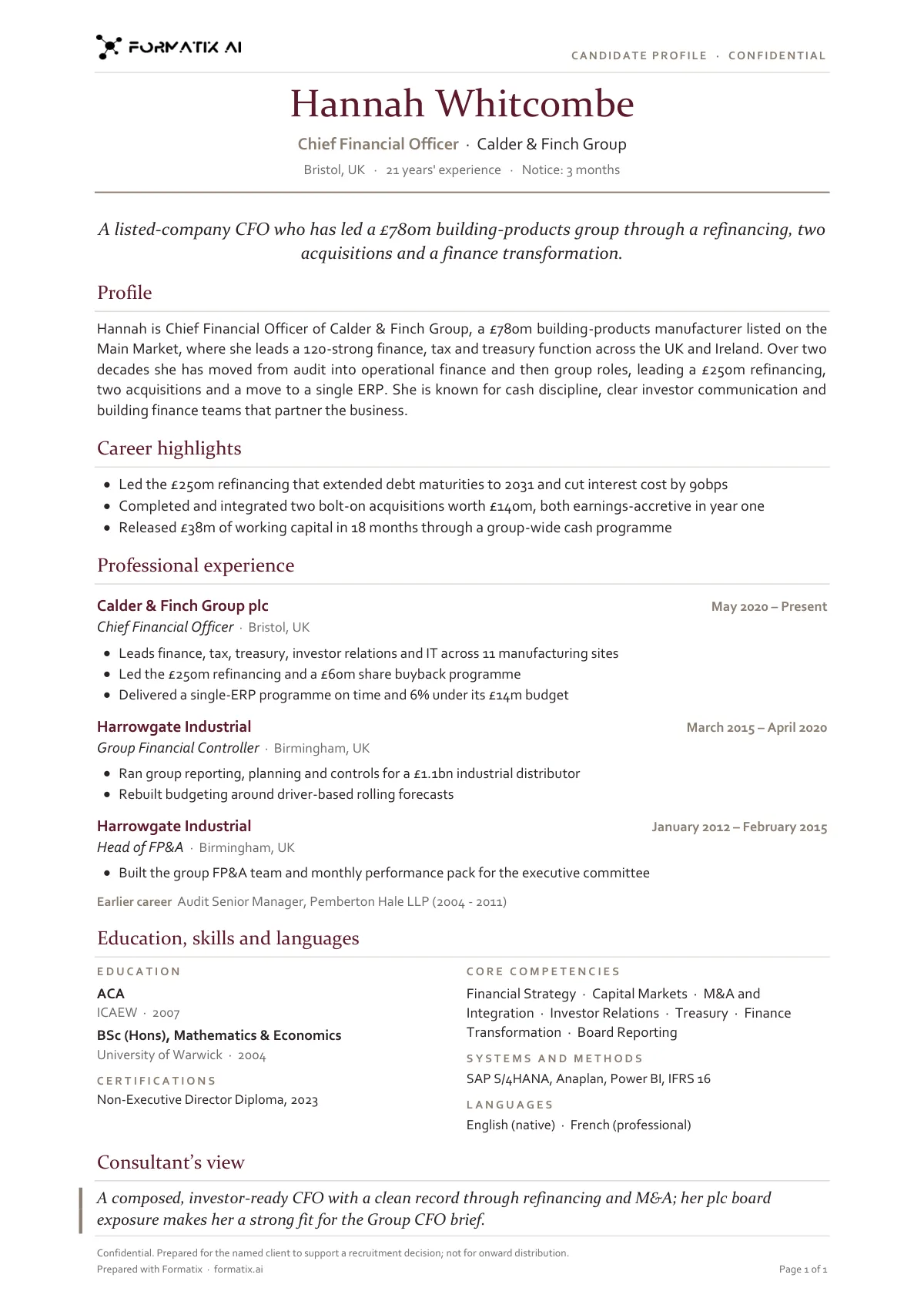
What's in the template
A traditional one-to-two-page candidate profile with a clear career history, laid out the way clients expect to read a CV from an agency.
- Header with your logo, candidate name, current role, location and notice
- One-line headline and profile summary
- Career highlights
- Professional experience, role by role
- Education, competencies, systems and languages
- Consultant's view
What it's for: Sending a candidate to a client in your agency's house style.
WordDelivered as an editable Word file, or saved as PDF.
Who uses it
Recruitment agencies submitting to clients
The standard submission document for permanent and contract roles, where the client wants the facts laid out the same way for every candidate.
Consultants who add a view
There is a short consultant's summary at the top, so the profile says why this person, not only what they have done.
Agencies with several offices
One template, one look, whatever office or consultant produced it.
How you use it
- 1
Pick the template
Open Formatix, choose this template in Studio, and give us your website. We pull your logo, colours and fonts and rebuild the template in your brand. You see a sample before you use it.
- 2
Drop a CV or your notes
Upload the candidate's CV, in any layout or language. For reports that carry your ratings or notes, add them alongside the CV. One credit fills one document.
- 3
Check and send
The filled document appears beside the original for checking. Edit anything in place, then download the Word, PowerPoint or Excel file, or save it as PDF.
Not a download. This is not a file to download. Formatix builds the template in your brand, with your logo, colours and fonts taken from your website, and fills it from a CV or from the notes you supply. What you keep is the finished document: an editable Word, PowerPoint or Excel file you can send as it is or change in Office.
Ask for changes in plain words, such as "move the photo to the right" or "add a Languages section", and the template is updated with the rest of its formatting kept. If you already have a document you send clients, upload that instead and Formatix turns it into a template. How Studio builds templates
Questions about this template
- What goes in a candidate profile template?
- A header with the candidate's name, headline and location; a short profile or consultant's summary; career history in reverse chronological order with dates, employer, title and achievements; education and qualifications; skills, languages and certifications; and, if you want it, availability, notice period and salary expectations. This template carries all of those sections.
- Is this a Word template I can download?
- No. Formatix builds the template inside the platform in your brand and fills it from a CV. What you download is the finished profile as an editable Word document, which you can change in Word like any other file.
- Can I use my own profile layout instead?
- Yes. If you already have a profile document you send clients, upload it and Formatix turns it into a template with the same fonts, colours and spacing. Use this library template when you do not have one yet or want a cleaner one.
- How long does it take to fill?
- About a minute per CV. Batches of CVs are processed in parallel, and the filled profiles are shown beside the originals for checking before you send them.
- Does it work with CVs in other languages?
- Yes. CVs in more than 40 languages are read, and the profile can be produced in the language of the CV or translated.
- What does it cost?
- Every new account has 10 free credits with no card and no expiry; one credit fills one profile. Plans start at £20 a month for 20 credits.
Related templates and pages
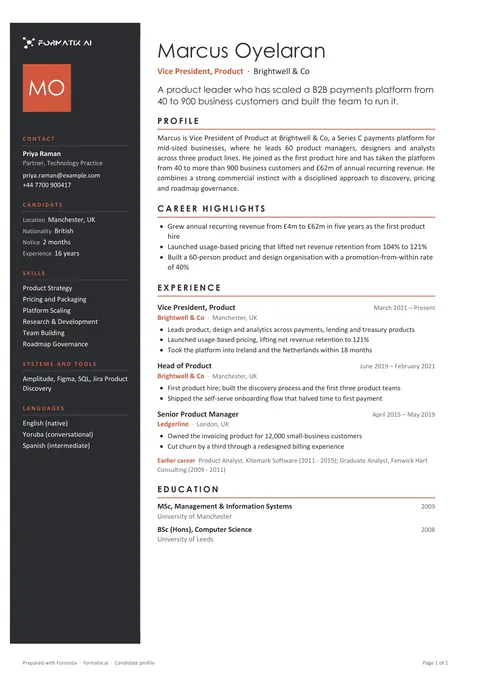 WordCandidate profile (modern)A contemporary profile with a coloured side panel for contact details, key facts and skills, and room for a photo, for firms that want the document to look designed.
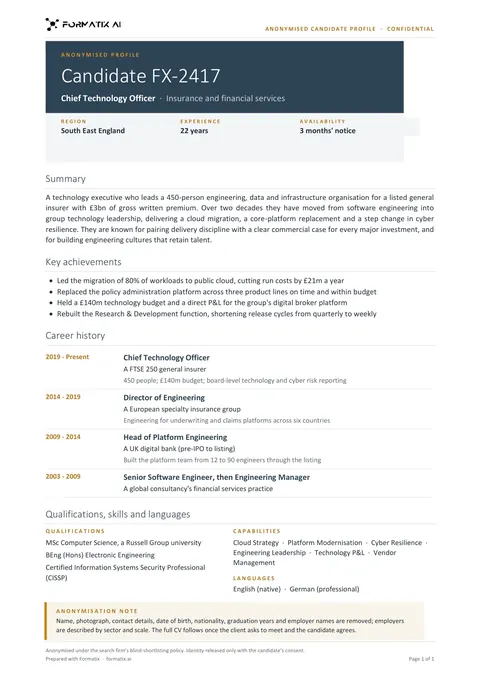 WordBlind profileAn anonymised profile that shows experience and fit without the candidate's name, contact details or photo.
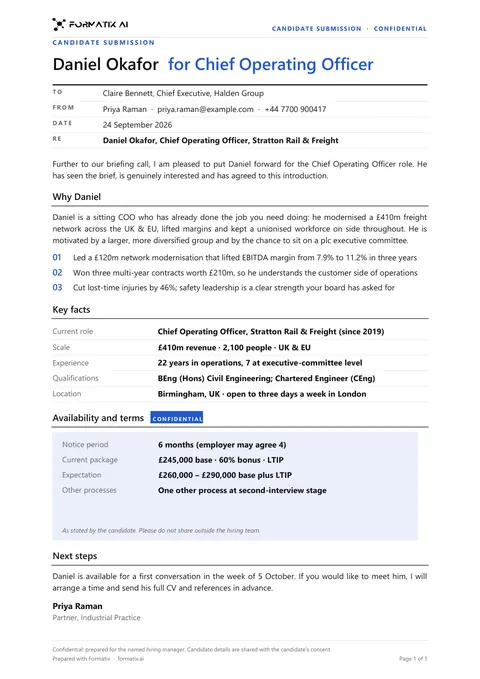 WordClient submittalA cover document that puts a candidate forward to a client: why they fit the brief, key facts, terms and next steps.
Use the candidate profile (classic) in your brand
Give us your website, and the template is rebuilt with your logo, colours and fonts. Your first ten documents are free, with no card and no expiry.