Studio
Pick a template. It arrives in your brand.
Studio is where your client documents are made. Choose from 15 curated templates, or bring the document you already send, and Formatix builds it with your logo, colours and fonts. Check a sample, ask for changes in plain words, then use it on every CV.
No credit card. Your 10 free credits never expire.
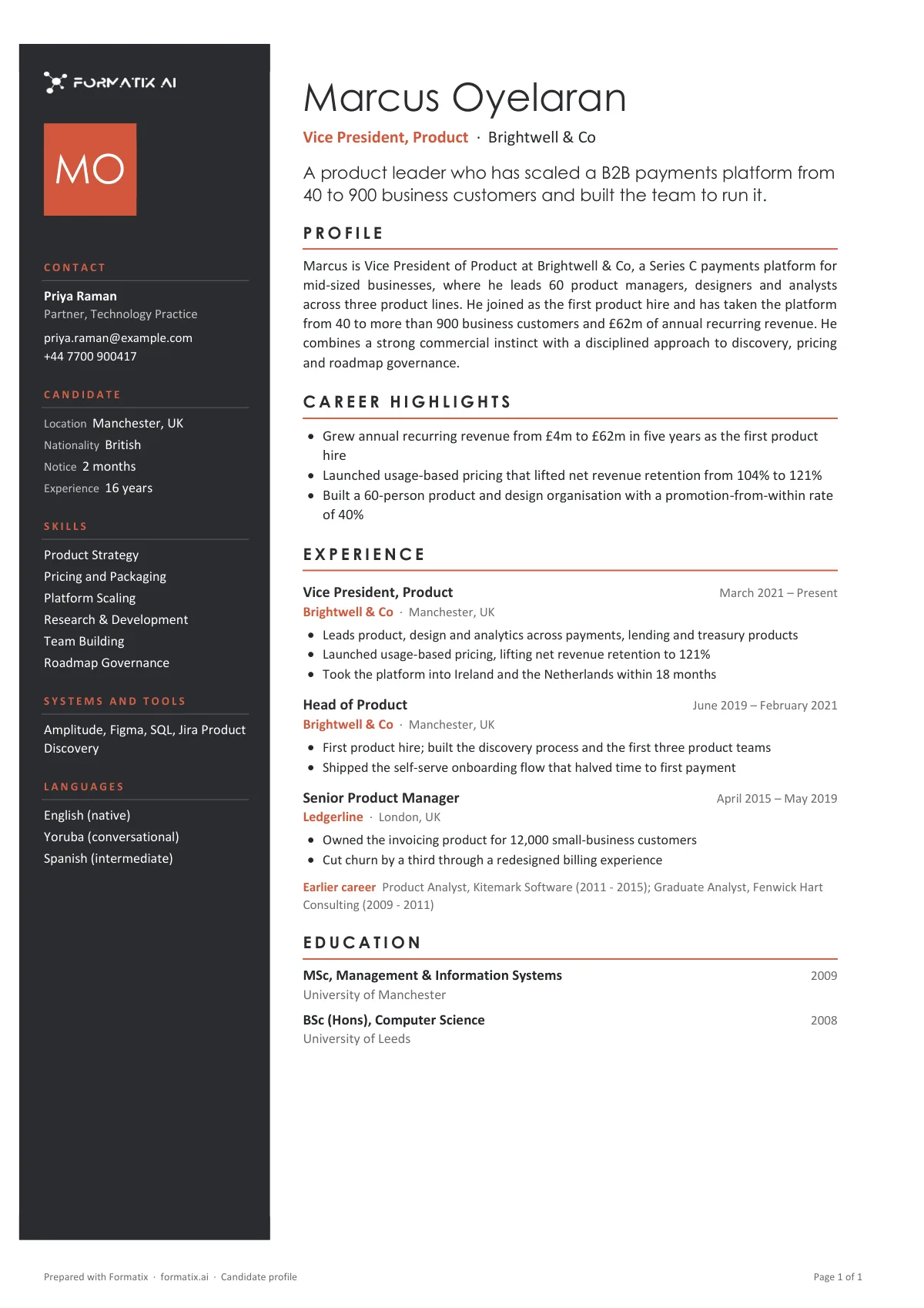
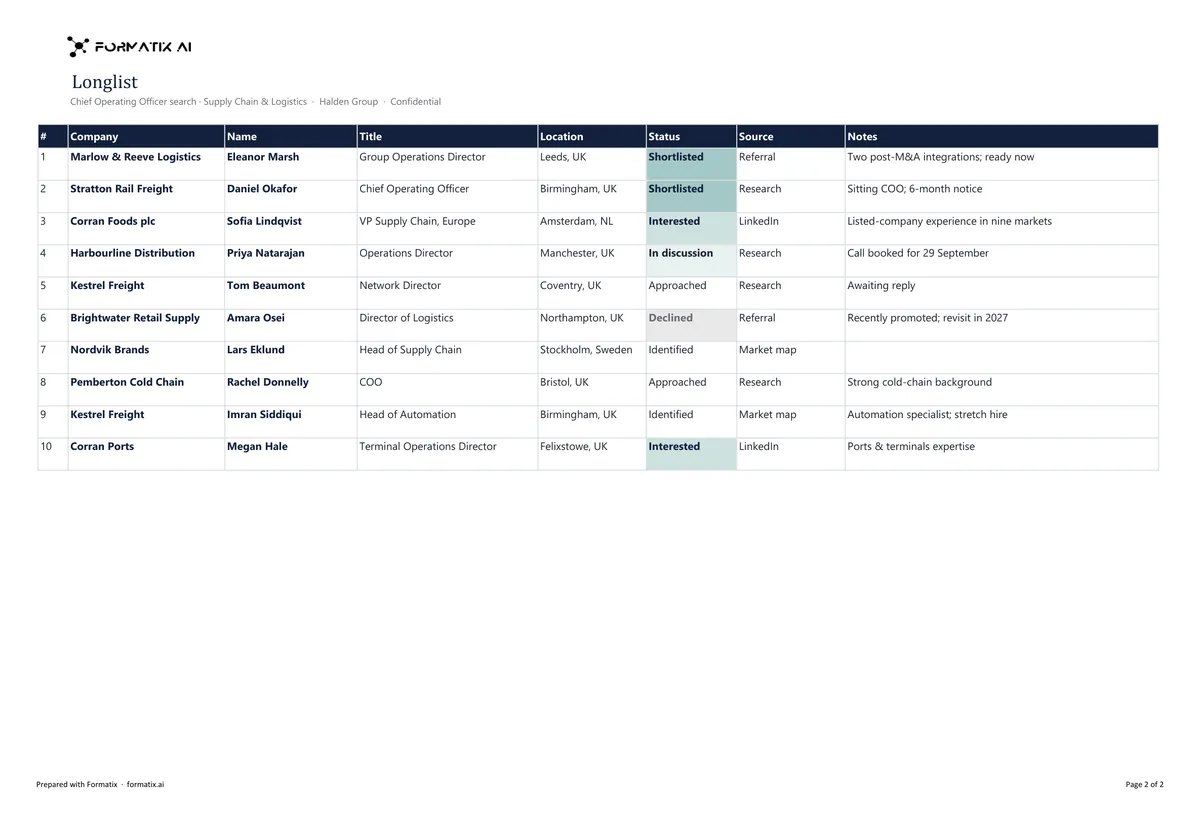
Same template, your brand
The structure stays; the logo, colours and fonts become yours. Switch between Formatix and two fictional firms to see the same templates rebuilt in each brand.
Northwind Search and Aster Partners are fictional firms, made up for these examples.
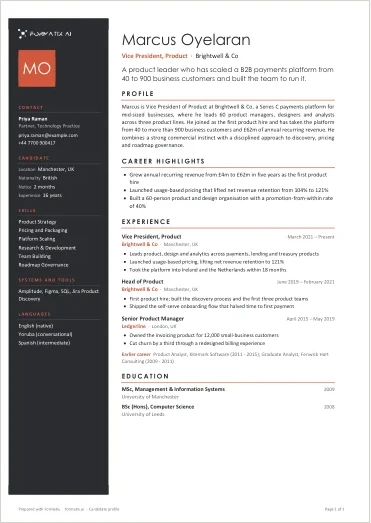
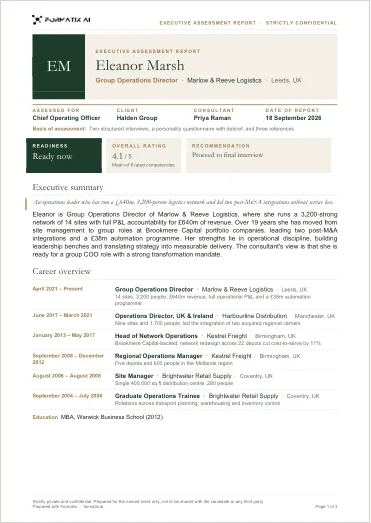
From template to formatted CV in four steps
- 1
Pick a template
Start from the curated library of 15 or from eight more executive profiles and reports: profiles, position specifications, assessment reports, shortlists, progress reports, proposals and trackers, in Word, PowerPoint, Excel and PDF.
See all templates - 2
Your brand, once
Formatix reads your logo, colours and fonts from your website or brand kit. You confirm them once and every template uses them.
- 3
Ask for changes
Check the sample. Ask for what you want in plain words, like "move the photo right" or "add a Languages section", and the template updates with its formatting kept.
No template editor to learn.
- 4
Use it on CVs
Upload a CV in any layout or language and get the finished document in your template, ready to send.
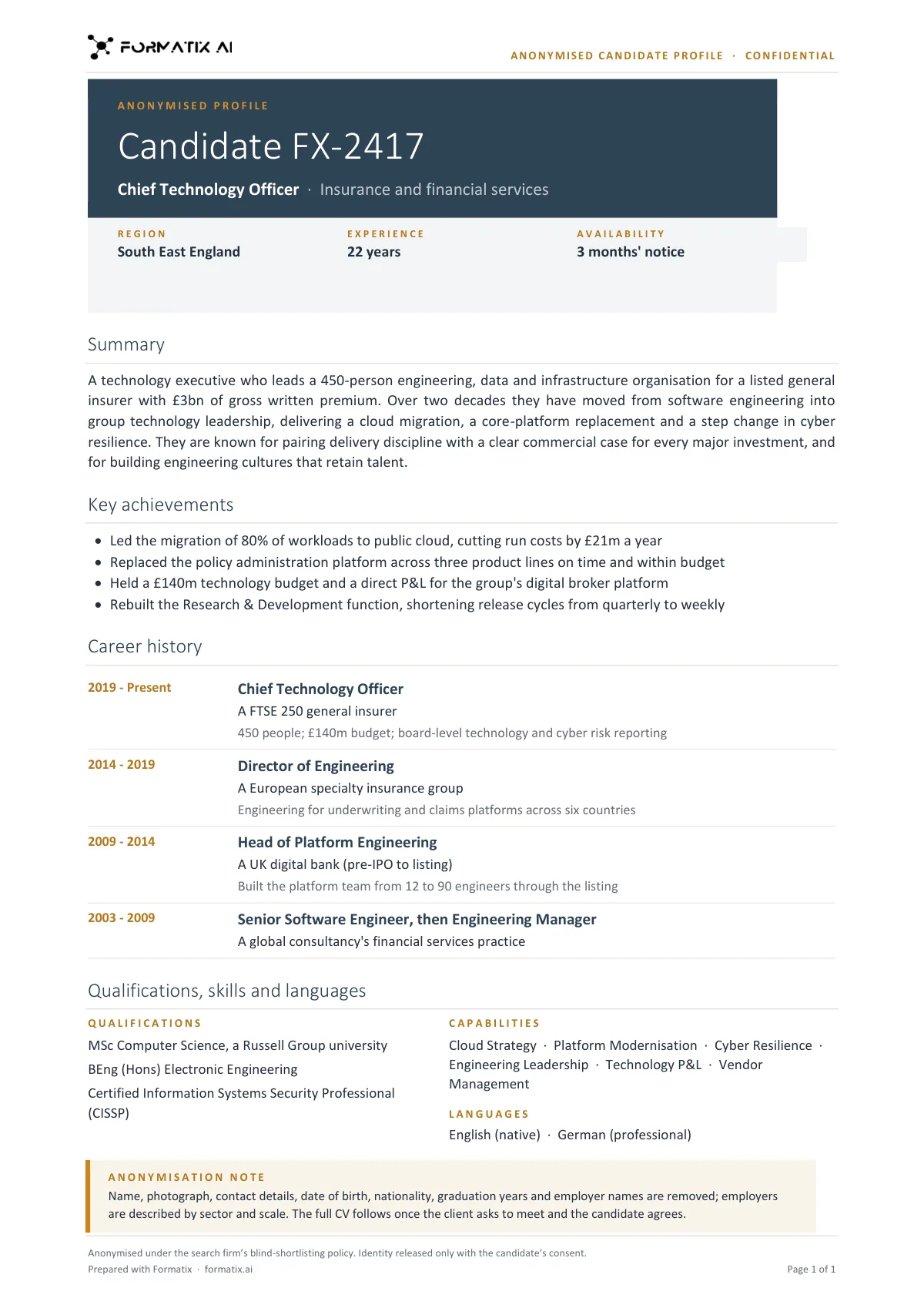
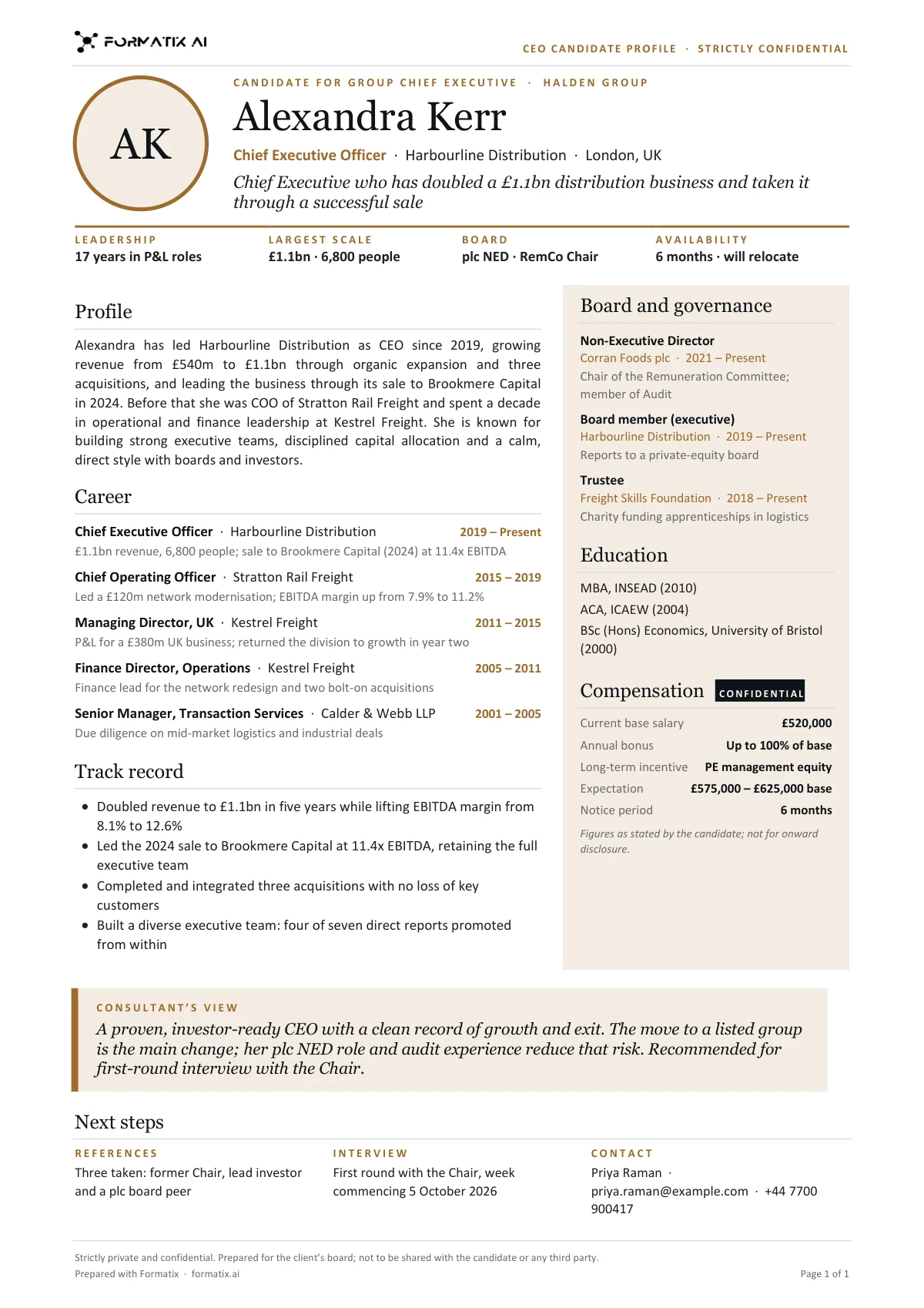
Illustrations use Formatix sample renders with fictional candidates; Northwind Search is a fictional firm.
From the template library
Fifteen templates, each built in your brand when you pick it. Shown here in Formatix branding with fictional candidates.
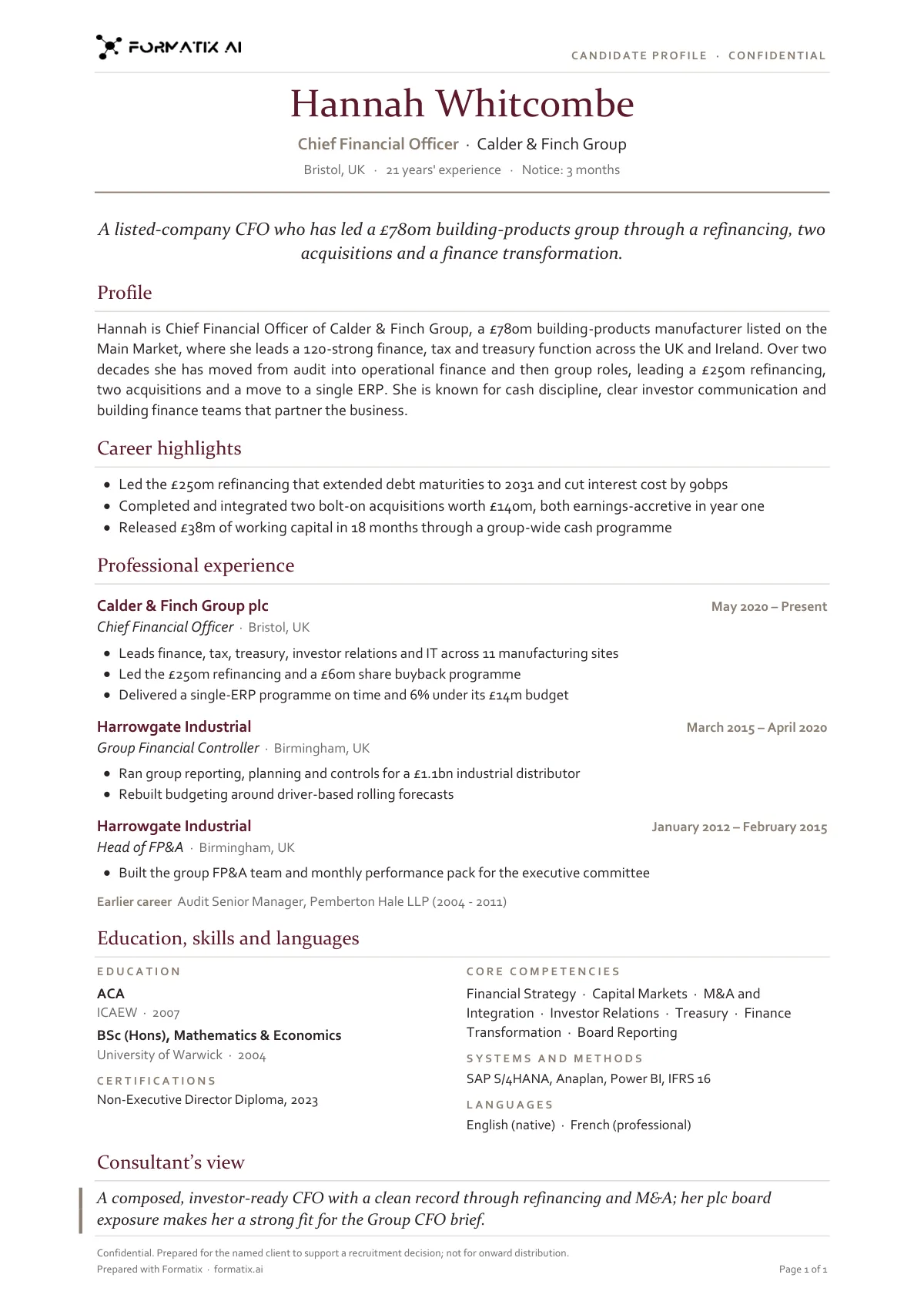
Candidate profile (classic)
Word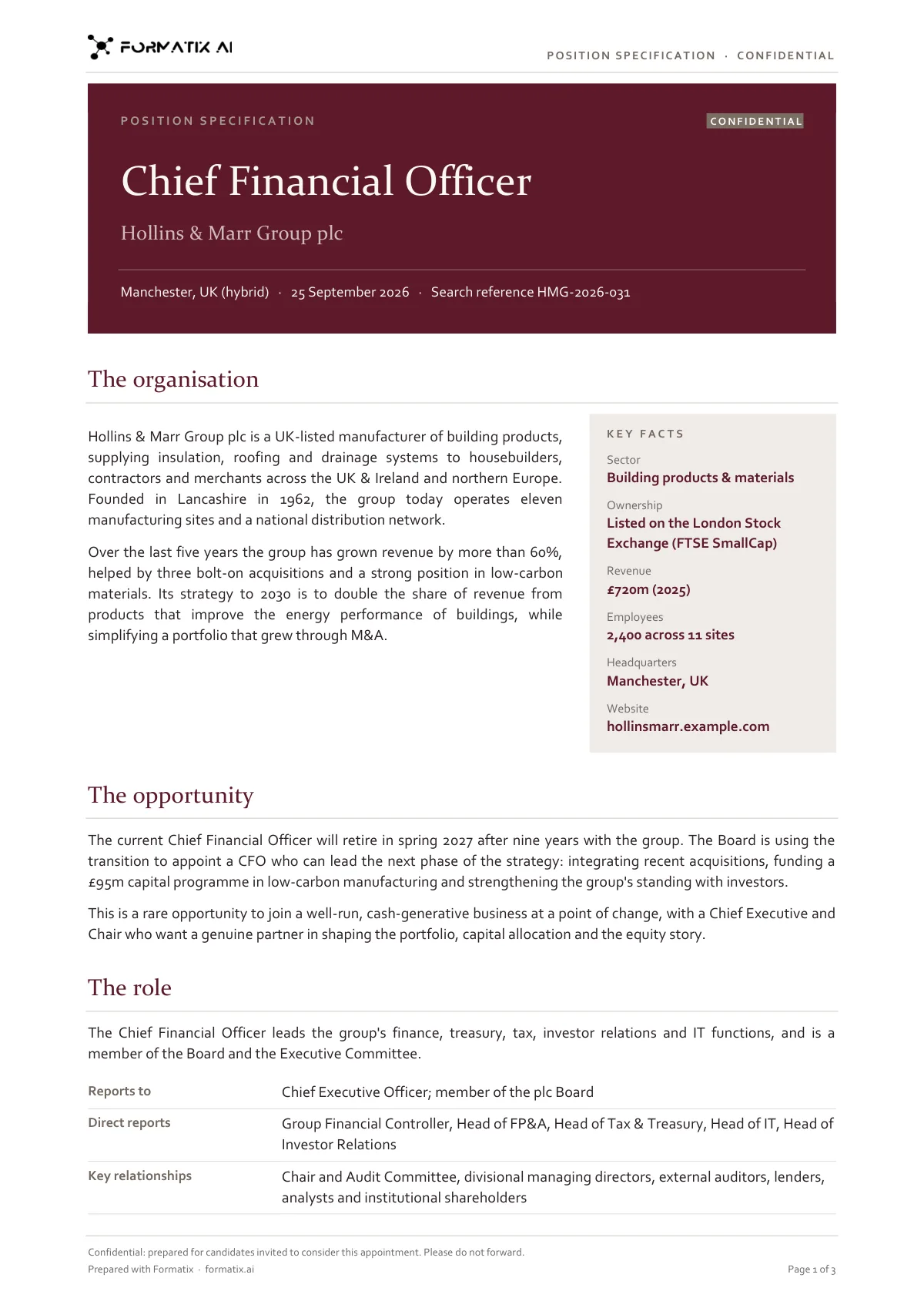
Position specification
Word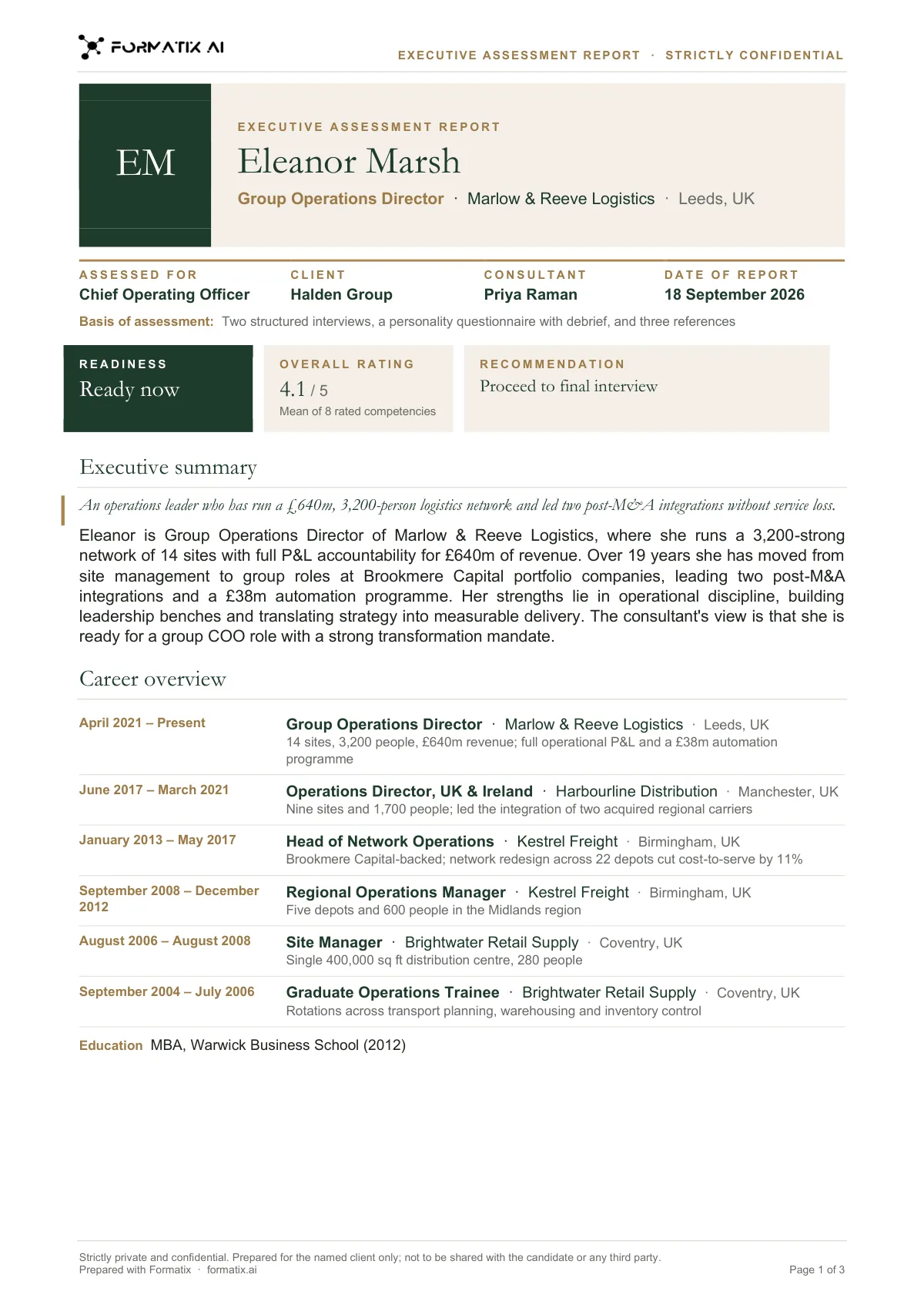
Executive assessment report
Word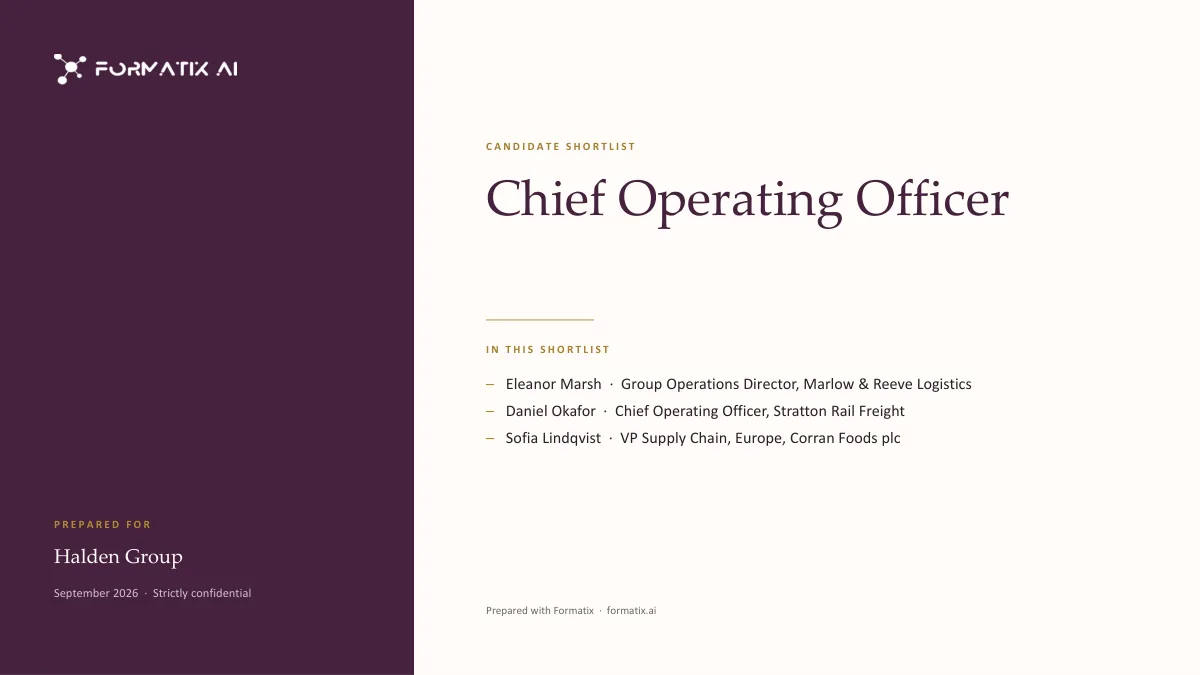
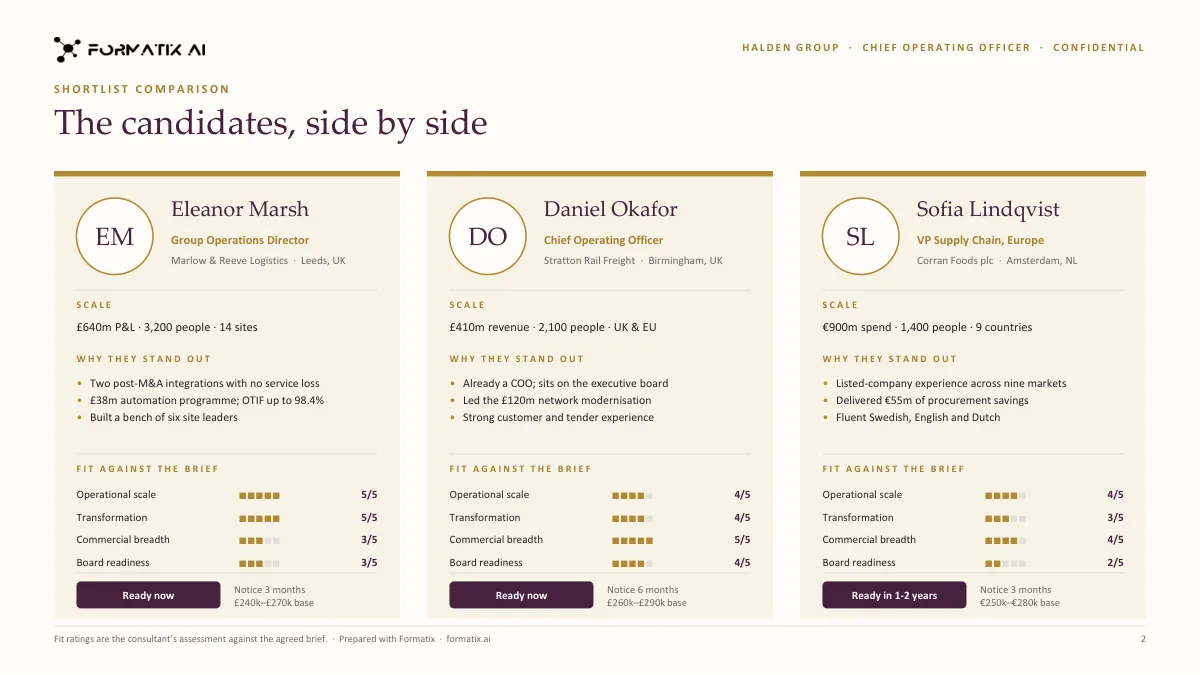
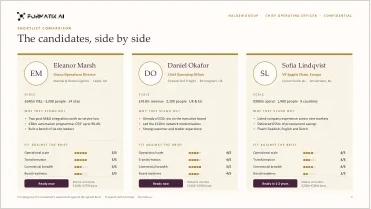
Shortlist deck
PowerPoint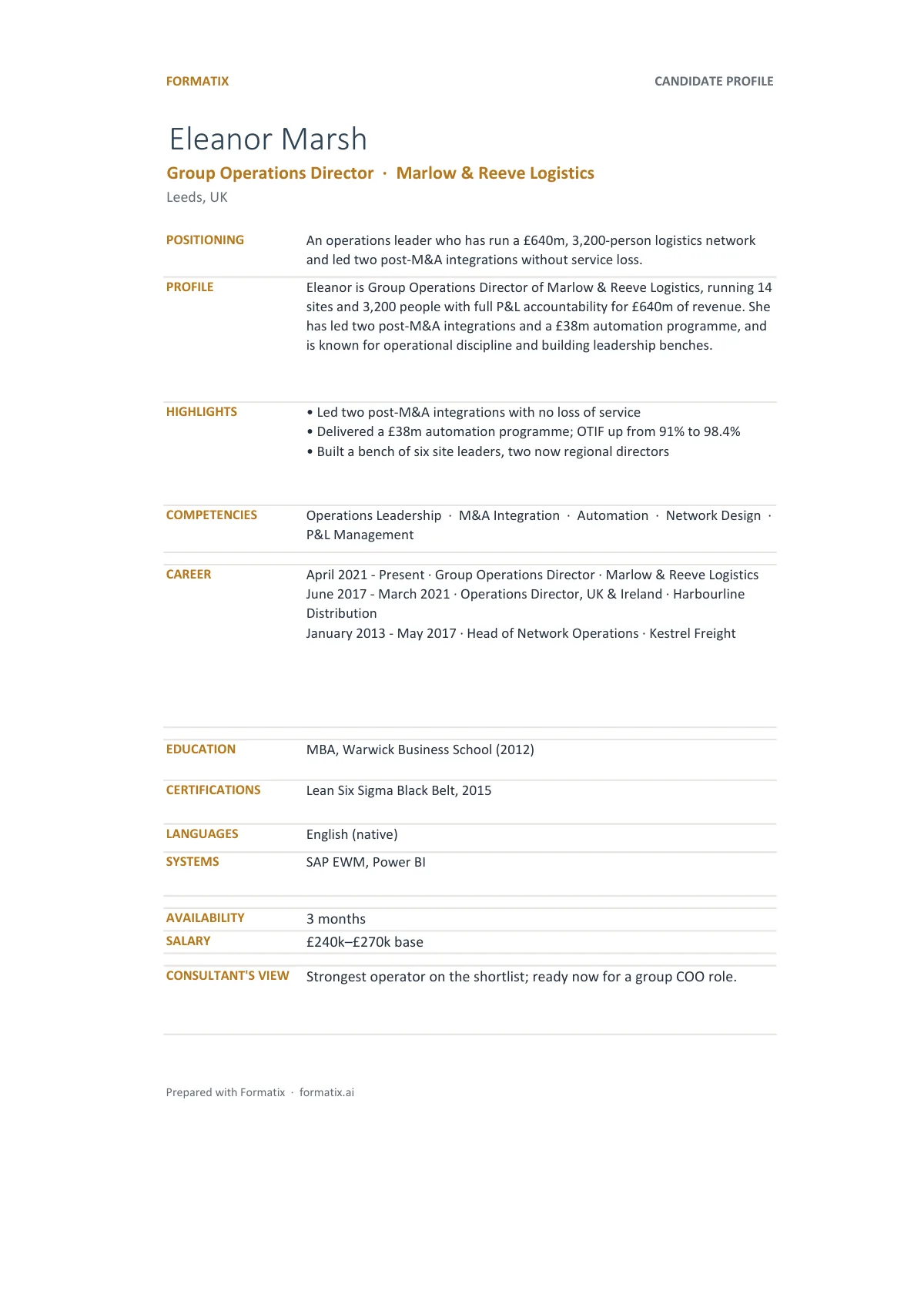
Candidate tracker
Excel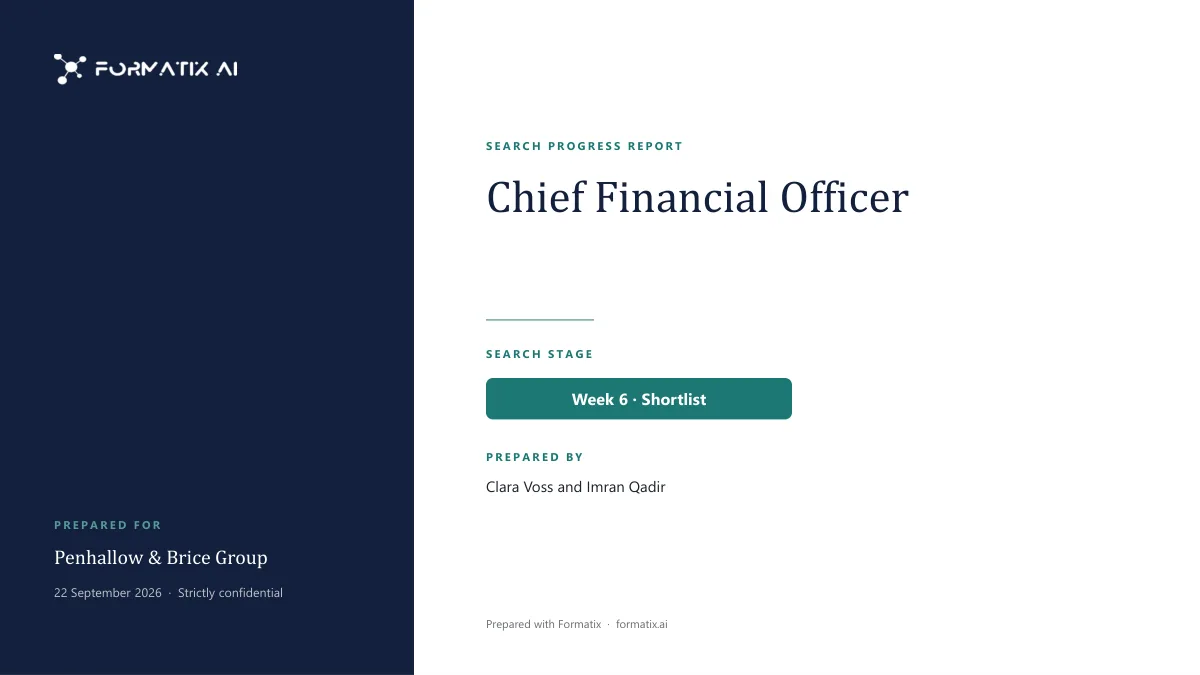
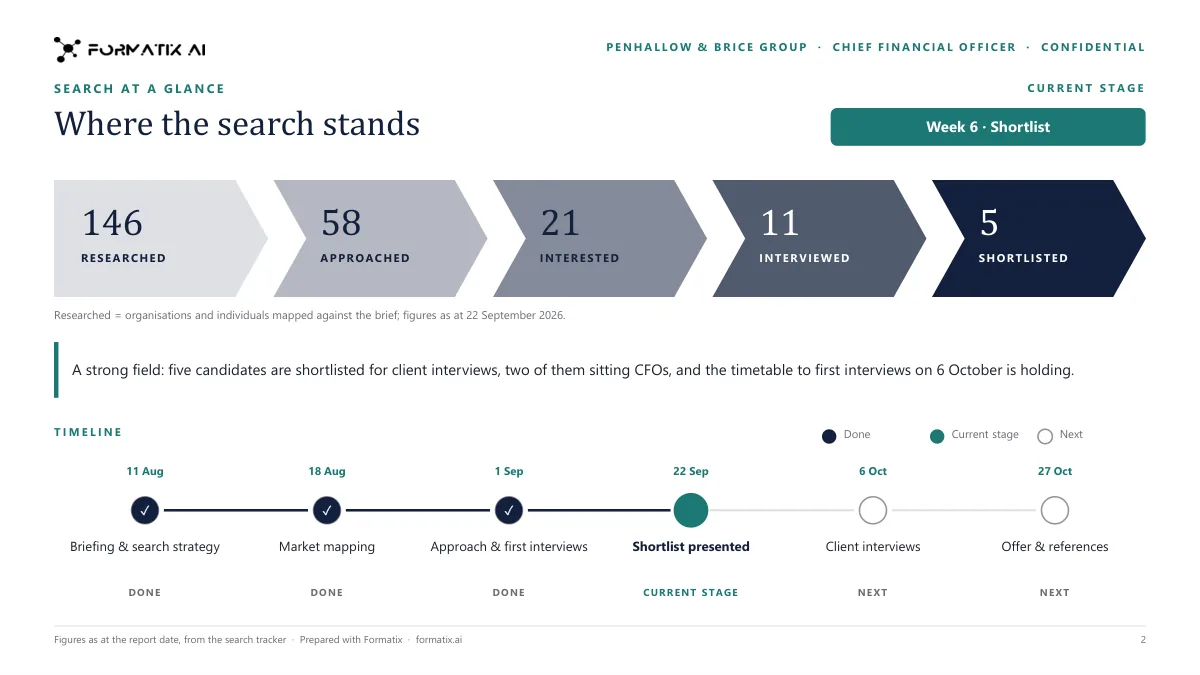
Search progress report
PowerPoint
Your own document works too
Already have a profile, a shortlist deck or a tracker your clients know? Drop the Word, PowerPoint or Excel file you already send and Formatix turns it into a template. Its layout, fonts, colours and logo stay as they are; the candidate details become fields filled from each CV.
- Word profiles and reports (.docx)
- PowerPoint shortlist decks (.pptx)
- Excel trackers and longlists (.xlsx)
The formats your clients already use
Word
Candidate profiles, blind profiles, assessment reports, position specifications, scorecards, references and submittals, as editable .docx files.
PowerPoint
Shortlist decks, talent reviews, search progress reports and client proposals in your slide master, as editable .pptx files.
Excel
Candidate trackers and longlists, one row per candidate, as .xlsx workbooks.
PDF
Any Word or PowerPoint result saved as a PDF when the document should not be edited.
Questions about Studio
- What is Formatix Studio?
- Studio is the part of Formatix where your templates are made. You pick a template from the library or upload your own document, Formatix builds it in your brand, and you use it to format CVs.
- How many templates are in the library?
- The library has fifteen curated templates: two candidate profiles, a blind profile, an executive assessment report, a CEO candidate profile, a position specification, a shortlist deck, a candidate tracker, a longlist and market map, a client proposal, a search progress report, a succession and talent review, an interview scorecard, a reference report and a client submittal. Eight more executive templates cover board-level, interim, global, technology, academic and confidential profiles, a compensation benchmark and a research brief. You can also turn any document you already use into a template.
- Where does my branding come from?
- From your website or your brand kit: your logo, colours and fonts. You confirm them once, and the templates you pick are built with them.
- How do I change a template?
- Ask in plain words, such as "move the photo to the right" or "add a Languages section". The template is updated and the rest of its formatting is kept.
- Can I use my existing Word, PowerPoint or Excel document?
- Yes. Upload the document you already send clients and Formatix turns it into a template, keeping its layout, fonts, colours and logo.
- How much does it cost?
- Every new account gets 10 free credits with no card and no expiry. Plans start at £20 a month for 20 credits. One credit formats one CV.
See your first template in your brand
Start free with 10 credits, no card needed. Pick a template or upload your own document and check the sample before you format a CV.