Word template · Candidate profiles
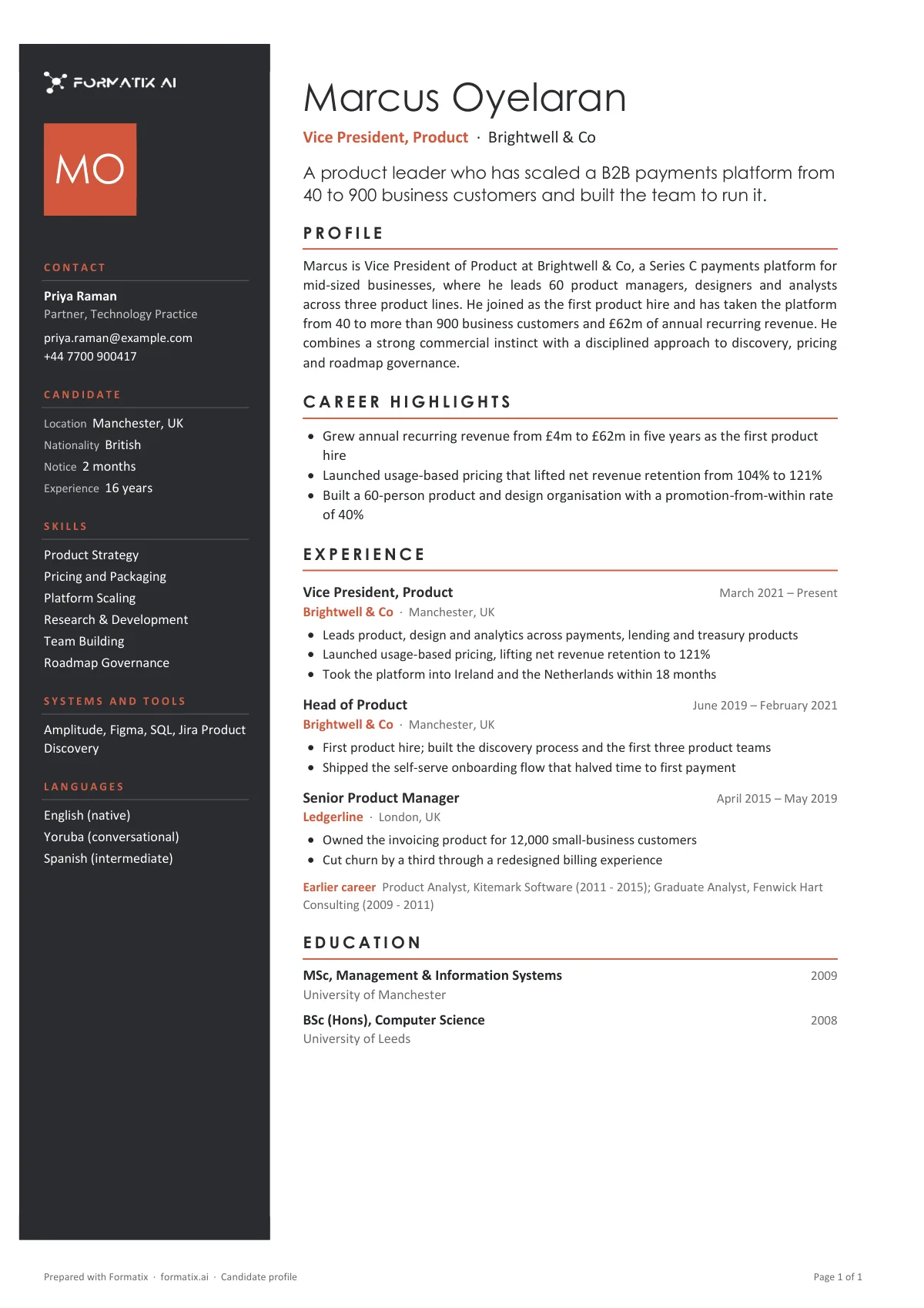
Modern candidate profile template with a side panel
A modern candidate profile puts the facts a client scans first, such as location, notice period, languages and key skills, in a coloured side panel, and keeps the career history in a clean main column, with room for a photo at the top. It reads well on screen, where most clients now open it. Formatix builds this template in your agency's brand and fills it from any CV in about a minute.
Clients read profiles on a laptop or phone between meetings. The two-column layout gives them the key facts without scrolling and keeps the narrative, the roles and achievements, where they expect it. The panel colour, fonts and logo come from your website, so it looks like yours from the first one.
10 free credits, no card needed. One credit fills one document.
What's in the template
A contemporary profile with a coloured side panel for contact details, key facts and skills, and room for a photo, for firms that want the document to look designed.
- Coloured side panel with initials or photo, contact and key facts
- Skills, systems and languages in the side panel
- Headline and profile summary
- Career highlights
- Experience role by role, then education
What it's for: Candidate submissions where presentation matters as much as content.
WordDelivered as an editable Word file, or saved as PDF.
Who uses it
Agencies placing in design, tech and consumer sectors
Where a plainer, more visual profile suits the client and the candidate.
Consultants who send profiles by email or link
The side panel makes the profile readable on a phone screen.
Firms that use candidate photos
There is a photo slot, and it can be left off for markets where photos are not used.
How you use it
- 1
Pick the template
Open Formatix, choose this template in Studio, and give us your website. We pull your logo, colours and fonts and rebuild the template in your brand. You see a sample before you use it.
- 2
Drop a CV or your notes
Upload the candidate's CV, in any layout or language. For reports that carry your ratings or notes, add them alongside the CV. One credit fills one document.
- 3
Check and send
The filled document appears beside the original for checking. Edit anything in place, then download the Word, PowerPoint or Excel file, or save it as PDF.
Not a download. This is not a file to download. Formatix builds the template in your brand, with your logo, colours and fonts taken from your website, and fills it from a CV or from the notes you supply. What you keep is the finished document: an editable Word, PowerPoint or Excel file you can send as it is or change in Office.
Ask for changes in plain words, such as "move the photo to the right" or "add a Languages section", and the template is updated with the rest of its formatting kept. If you already have a document you send clients, upload that instead and Formatix turns it into a template. How Studio builds templates
Questions about this template
- What is in the side panel?
- Contact details, location, availability or notice period, languages, key skills and, if you want them, salary expectations and the candidate's reference number. The main column carries the summary, career history and education.
- Can the photo be removed?
- Yes. Ask for the photo slot to be removed and the template is rebuilt without it. Many UK and Nordic agencies use it that way.
- Will it keep my brand colours?
- Yes. The panel and headings use the colours, fonts and logo taken from your website or brand kit. You confirm them once and every profile uses them.
- Is this a download?
- No. The template is built inside Formatix and filled from a CV; what you download is the finished profile as an editable Word file, or as a PDF.
- Can I switch between the classic and modern layouts?
- Yes. Both can be in your workspace at the same time, and you pick one per client or per role.
Related templates and pages
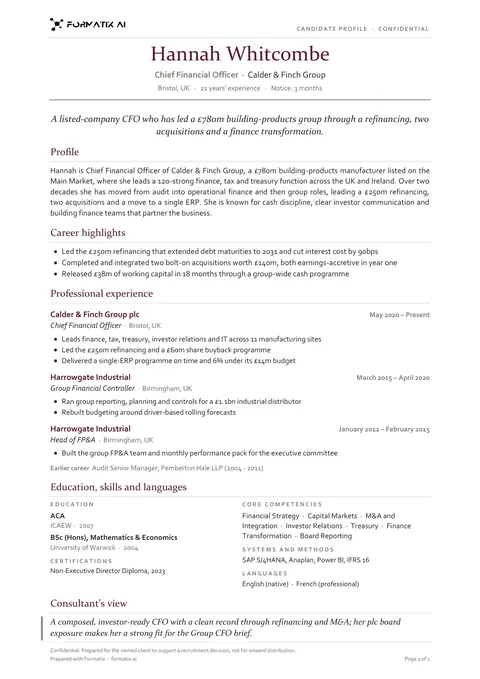
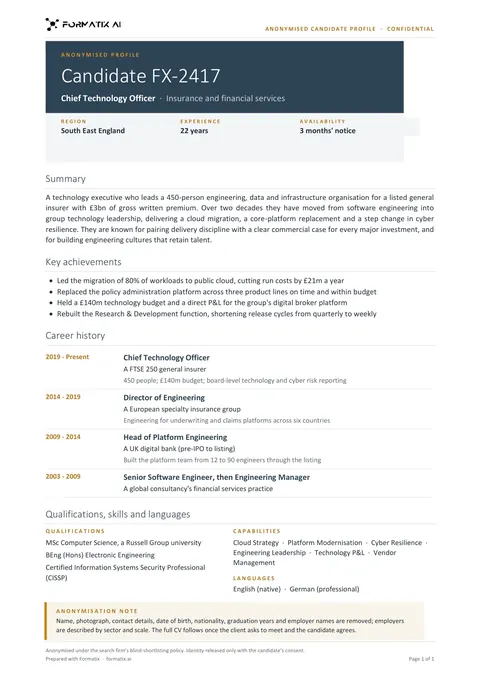
Use the candidate profile (modern) in your brand
Give us your website, and the template is rebuilt with your logo, colours and fonts. Your first ten documents are free, with no card and no expiry.