PowerPoint template · Decks and presentations
Candidate presentation template in PowerPoint
A candidate presentation is a deck on one candidate for a client: a profile slide, a career timeline, the competencies against the brief, compensation and availability, and the consultant's view. Firms use it when a single candidate is presented at a meeting rather than on paper, or when the client prefers slides to documents. This PowerPoint template has those slides in the firm's design, and Formatix fills them from the CV in about a minute.
Some clients read documents; others sit in a room and look at a screen. This template is the profile in slide form, with the timeline drawn and the competencies laid out, so the consultant presents rather than reads.
10 free credits, no card needed. One credit fills one document.

What's in the template
A full candidate presentation with profile, career timeline, competencies, compensation and risks.
PowerPointDelivered as an editable PowerPoint file, or saved as PDF.
Who uses it
Search consultants presenting a preferred candidate
The deck for a client meeting on one finalist.
Agencies pitching a candidate into a new client
A speculative presentation of a strong candidate in the agency's brand.
Interim and executive contract providers
A presentation of an interim executive with availability and rate.
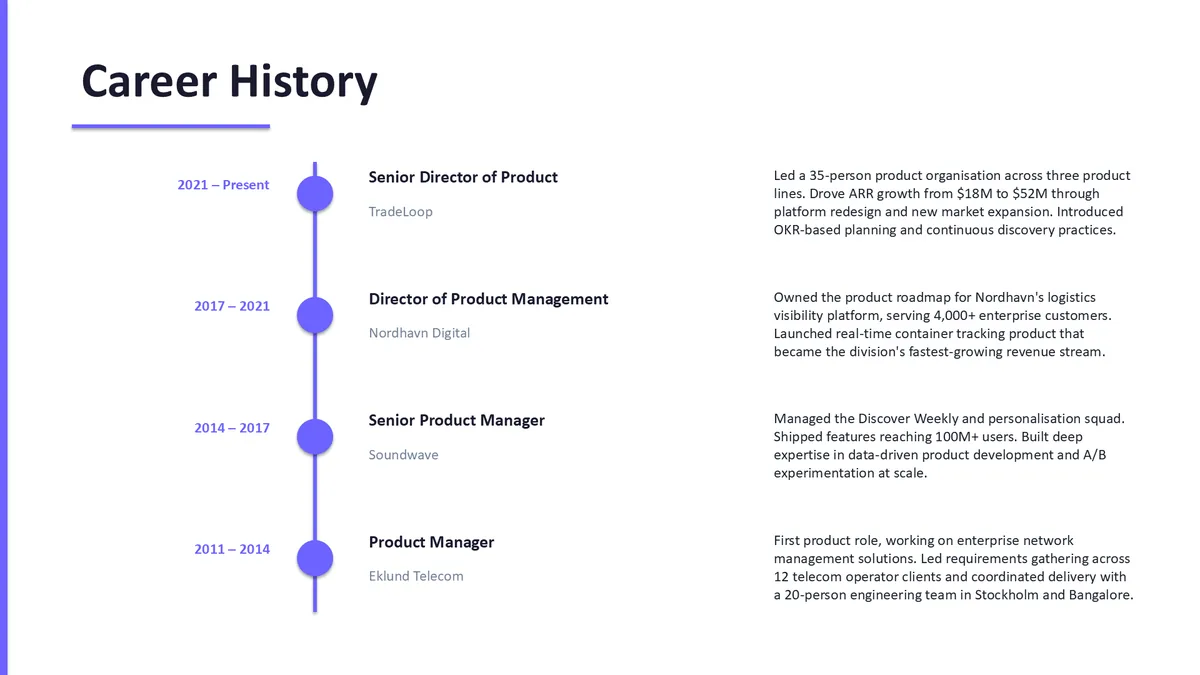
Every slide of the example
The example is in Formatix branding with a fictional candidate. When you pick this template, it is rebuilt with your logo, colours and fonts before you use it.
How you use it
- 1
Pick the template
Open Formatix, choose this template in Studio, and give us your website. We pull your logo, colours and fonts and rebuild the template in your brand. You see a sample before you use it.
- 2
Drop a CV or your notes
Upload the candidate's CV, in any layout or language. For reports that carry your ratings or notes, add them alongside the CV. One credit fills one document.
- 3
Check and send
The filled document appears beside the original for checking. Edit anything in place, then download the Word, PowerPoint or Excel file, or save it as PDF.
Not a download. This is not a file to download. Formatix builds the template in your brand, with your logo, colours and fonts taken from your website, and fills it from a CV or from the notes you supply. What you keep is the finished document: an editable Word, PowerPoint or Excel file you can send as it is or change in Office.
Ask for changes in plain words, such as "move the photo to the right" or "add a Languages section", and the template is updated with the rest of its formatting kept. If you already have a document you send clients, upload that instead and Formatix turns it into a template. How Studio builds templates
Questions about this template
- What slides are in a candidate presentation?
- A cover, a profile slide with summary and key facts, a career timeline, achievements, competencies against the brief, education and qualifications, compensation and availability, and the consultant's view. This template has each of them.
- Is the timeline drawn automatically?
- Yes. The roles and dates from the CV are placed on the timeline slide in order.
- Can several candidates go in one deck?
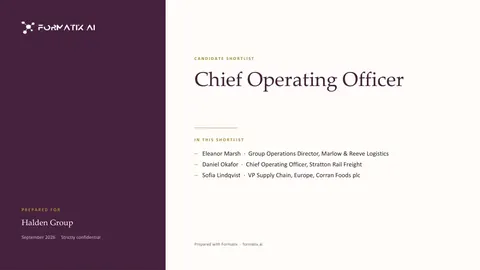
- Use the shortlist deck template for that; it produces one slide per candidate from a batch of CVs.
- Is this a download?
- No. The deck is built in your brand inside Formatix and filled from the CV; what you download is the finished PowerPoint file, editable in PowerPoint or saved as PDF.
Related templates and pages

Use the candidate presentation in your brand
Give us your website, and the template is rebuilt with your logo, colours and fonts. Your first ten documents are free, with no card and no expiry.