PowerPoint template · Decks and presentations
Candidate comparison deck template
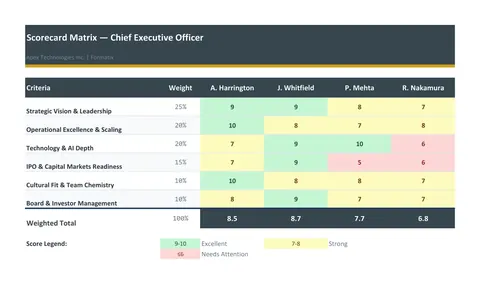
A candidate comparison deck sets the shortlisted candidates against the same criteria on one page: a scoring matrix with the brief's requirements as rows and the candidates as columns, a short profile of each, and the consultant's recommendation. It is the slide the client discussion turns on. This PowerPoint template has the matrix, the profiles and the recommendation in the firm's brand; Formatix fills the profiles from the CVs, and the scores in the matrix are the consultant's.
Clients decide by comparing. A deck that shows six candidates against the same eight criteria, scored the same way, moves a shortlist meeting from impressions to a decision. Building that matrix by hand is the slow part; here it is filled.
10 free credits, no card needed. One credit fills one document.
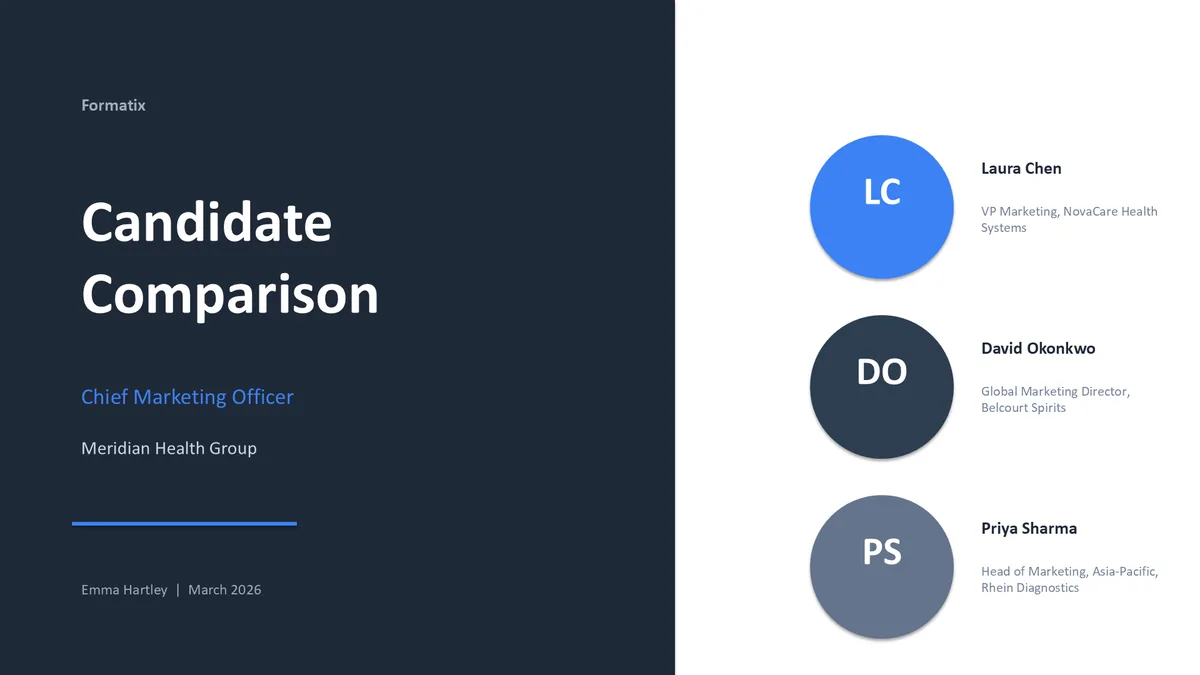
What's in the template
A side-by-side comparison of candidates with a scoring matrix, profiles and a recommendation.
PowerPointDelivered as an editable PowerPoint file, or saved as PDF.
Who uses it
Executive search firms at the shortlist stage
The comparison slides for the client meeting, alongside or instead of the full shortlist deck.
Hiring panels
A single page to debrief on after final interviews.
Agencies presenting a multi-hire shortlist
Several candidates for several similar roles, compared on the same criteria.
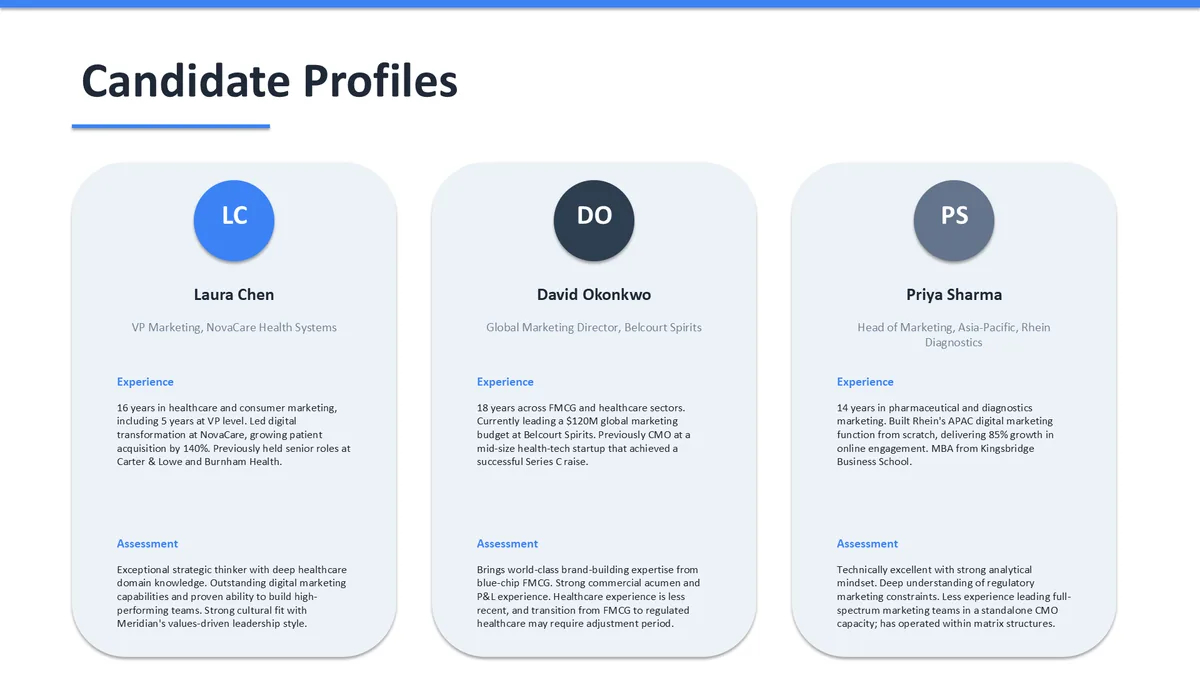
Every slide of the example
The example is in Formatix branding with a fictional candidate. When you pick this template, it is rebuilt with your logo, colours and fonts before you use it.
How you use it
- 1
Pick the template
Open Formatix, choose this template in Studio, and give us your website. We pull your logo, colours and fonts and rebuild the template in your brand. You see a sample before you use it.
- 2
Drop a CV or your notes
Upload the candidate's CV, in any layout or language. For reports that carry your ratings or notes, add them alongside the CV. One credit fills one document.
- 3
Check and send
The filled document appears beside the original for checking. Edit anything in place, then download the Word, PowerPoint or Excel file, or save it as PDF.
Not a download. This is not a file to download. Formatix builds the template in your brand, with your logo, colours and fonts taken from your website, and fills it from a CV or from the notes you supply. What you keep is the finished document: an editable Word, PowerPoint or Excel file you can send as it is or change in Office.
Ask for changes in plain words, such as "move the photo to the right" or "add a Languages section", and the template is updated with the rest of its formatting kept. If you already have a document you send clients, upload that instead and Formatix turns it into a template. How Studio builds templates
Questions about this template
- What is on a candidate comparison matrix?
- The requirements from the brief as rows, one column per candidate, and a score or a rating symbol in each cell, with a total or an overall rating at the bottom. This template adds a short profile slide per candidate and a recommendation slide.
- Who enters the scores?
- The consultant or the panel. Formatix places the scores you supply; it does not score candidates.
- How many candidates fit on the matrix?
- The template is built for up to six columns; ask for a wider version when it is built if you regularly compare more.
- Is this a download?
- No. The deck is built in your brand inside Formatix and filled from CVs and your scores; what you download is the finished PowerPoint file.
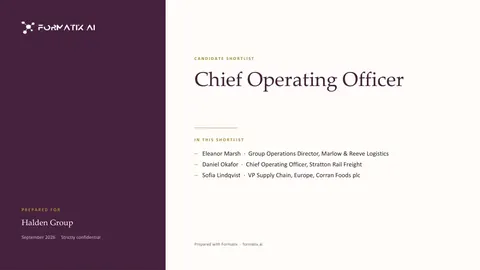
Use the candidate comparison in your brand
Give us your website, and the template is rebuilt with your logo, colours and fonts. Your first ten documents are free, with no card and no expiry.